
About CreepJS
1: What is CreepJS
- CreepJS is an open-source tool for analyzing browser fingerprints and privacy information.
- It can detect various characteristics of browsers, including hardware, software, and network information.
- CreepJS is free to use and is an open-source project. Its business model may rely on donations or advertising revenue, although this is not explicitly mentioned on the page.
2: Main features of CreepJS
- Detect browser fingerprints
- Analyze WebRTC connection information
- Evaluate browser trustworthiness
- Identify potential bot behavior
- Check audio and video codec support
- Analyze WebGL and Canvas performance
- Detect browser plugins and MIME types
3: Main reasons for recommendation
- Provides detailed browser fingerprint analysis, helping to understand personal privacy protection status
- Open-source tool, high transparency, strong credibility
- Can be used for educational and research purposes, helping to understand network privacy and security issues
- Regularly updated, able to detect the latest browser features
4: User precautions
- The tool may collect sensitive information, use with caution
- Do not use on public or untrusted devices
- Use results only for legal and ethical purposes
- Understand that fingerprint information may vary due to browser settings and extensions
Other IP

Proxy-Cheap
Proxy-Cheap is a website offering affordable proxy services, allowing users to quickly set up and use proxies to enhance online security and anonymity.

OmegaProxy
OmegaProxy is a large-scale rotating residential proxy IP service provider, offering 62M+ IP resources covering 220+ countries and regions.
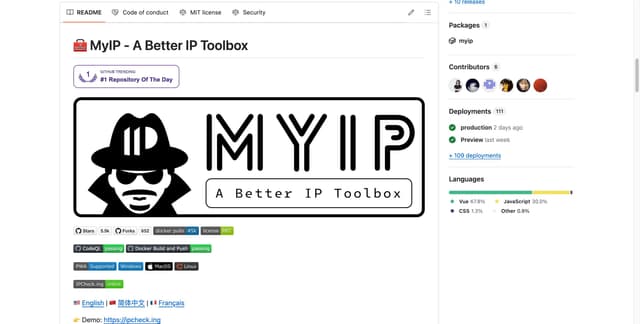
IPCheck
IPCheck.ing is a comprehensive online IP and network detection tool, offering IP address lookup, geolocation information, WebRTC connection detection, DNS leak testing, and speed testing functionalities.

IPRoyal
IPRoyal is a company offering high-quality proxy services, known for its diverse proxy types and flexible pricing options.

LunaProxy
LunaProxy is a top-tier proxy service provider offering large-scale proxy IP services with over 200 million IP addresses.